

Nothing Unveils Warp to Revolutionize File Sharing Across Android, Mac, and Windows

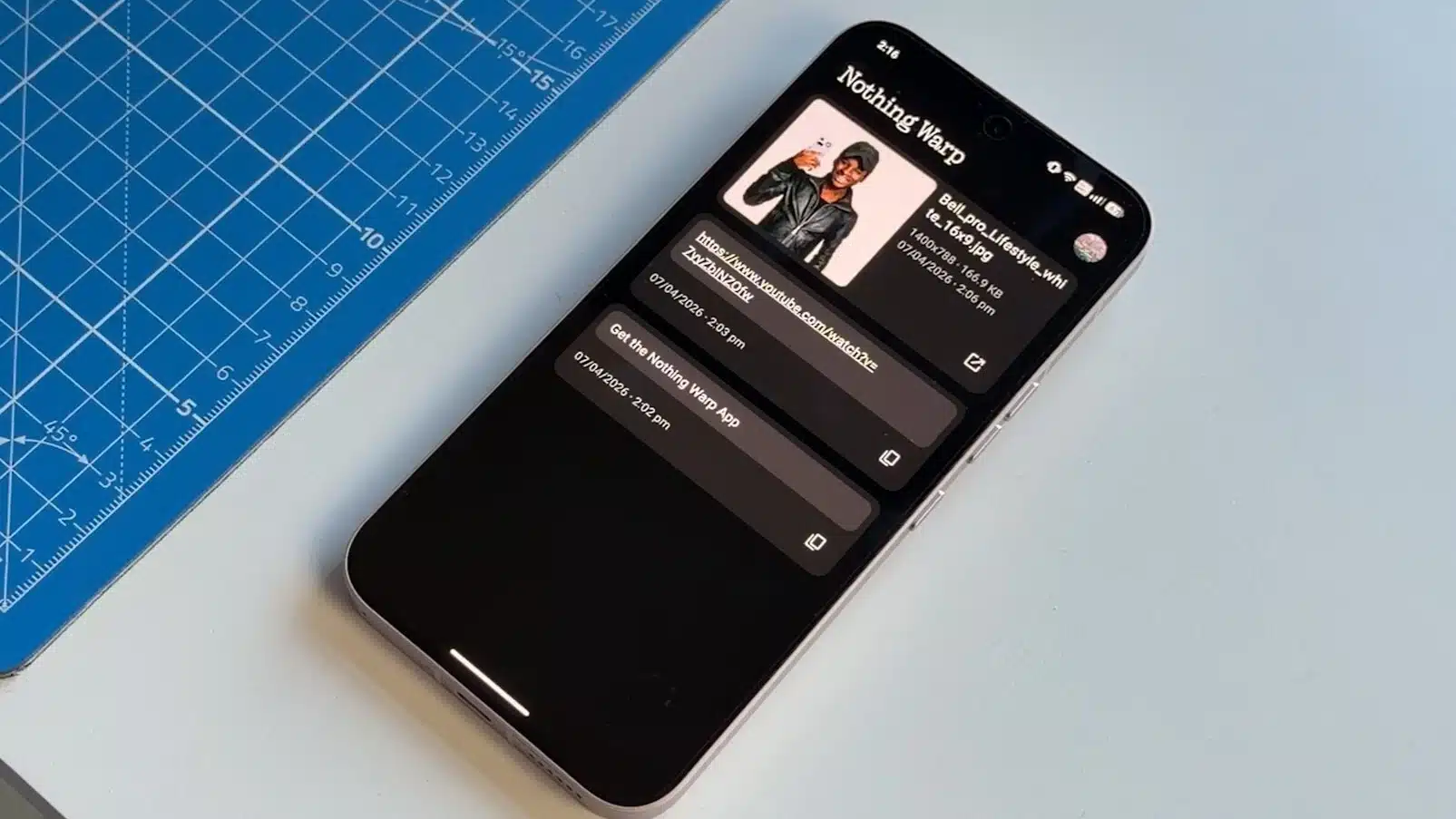
Moving files between different devices has long been a challenge for users, particularly those who operate across various platforms like Android, macOS, and Windows. To tackle this issue, the tech company Nothing has unveiled a new tool called Warp. This innovative solution aims to streamline the process of transferring files and other content across diverse operating systems, making it easier for users to share information seamlessly.
How Warp Works Across Devices
Warp operates through a combination of an Android application and a browser extension, requiring users to have a Chromium-based browser for installation. This compatibility allows Warp to function on various systems, including macOS, Windows, and Linux, thereby broadening its accessibility.
On Android devices, Warp integrates into the sharing menu, enabling users to send images, videos, documents, links, or copied text. Notably, it is not restricted to devices manufactured by Nothing; it is compatible with other Android smartphones as well. For computer users, the browser extension facilitates the transfer of selected text to a phone’s clipboard, sharing images from web pages, or directly uploading files. However, it is important to note that some web applications, like Google Docs, may override the browser’s right-click menu, which can prevent Warp from functioning in those scenarios.
File Transfers and Performance
Initial tests of Warp indicate that it can connect multiple devices under a single account, allowing users to transfer files between several mobile phones or computers without needing all devices to be active simultaneously. Instead of enabling direct device-to-device transfers, Warp uploads files to a cloud service and then provides a download link for the receiving device.
This method proves to be efficient for smaller items such as text or images, which upload almost instantaneously. However, larger files, like videos, may take significantly longer to upload and download. For instance, a video file of several gigabytes could take several minutes to upload, followed by additional time for downloading on the other device. Consequently, Warp may not be the best option for users prioritizing speed in large file transfers.
According to the company, Warp utilizes Google Drive for file management, necessitating users to link their Google accounts to access the service. Importantly, Nothing claims that it does not store or access user files directly, and shared files do not appear in the user’s main Drive folder. Warp retains only the most recent ten files, automatically removing older uploads as new ones are added. There is no fixed limit on file size, aside from the storage capacity of the linked Google account.
Warp: Privacy, Storage, and Availability
Currently in beta, Warp is available for free and supports a wider range of platforms compared to some existing file-sharing tools. While other brands, such as Oppo and Honor, have developed similar features, these are often confined to their own devices or ecosystems.
Observer Voice is the one stop site for National, International news, Sports, Editor’s Choice, Art/culture contents, Quotes and much more. We also cover historical contents. Historical contents includes World History, Indian History, and what happened today. The website also covers Entertainment across the India and World.

