

Essential Tips to Avoid Costly Setup Mistakes with Your New OLED TV

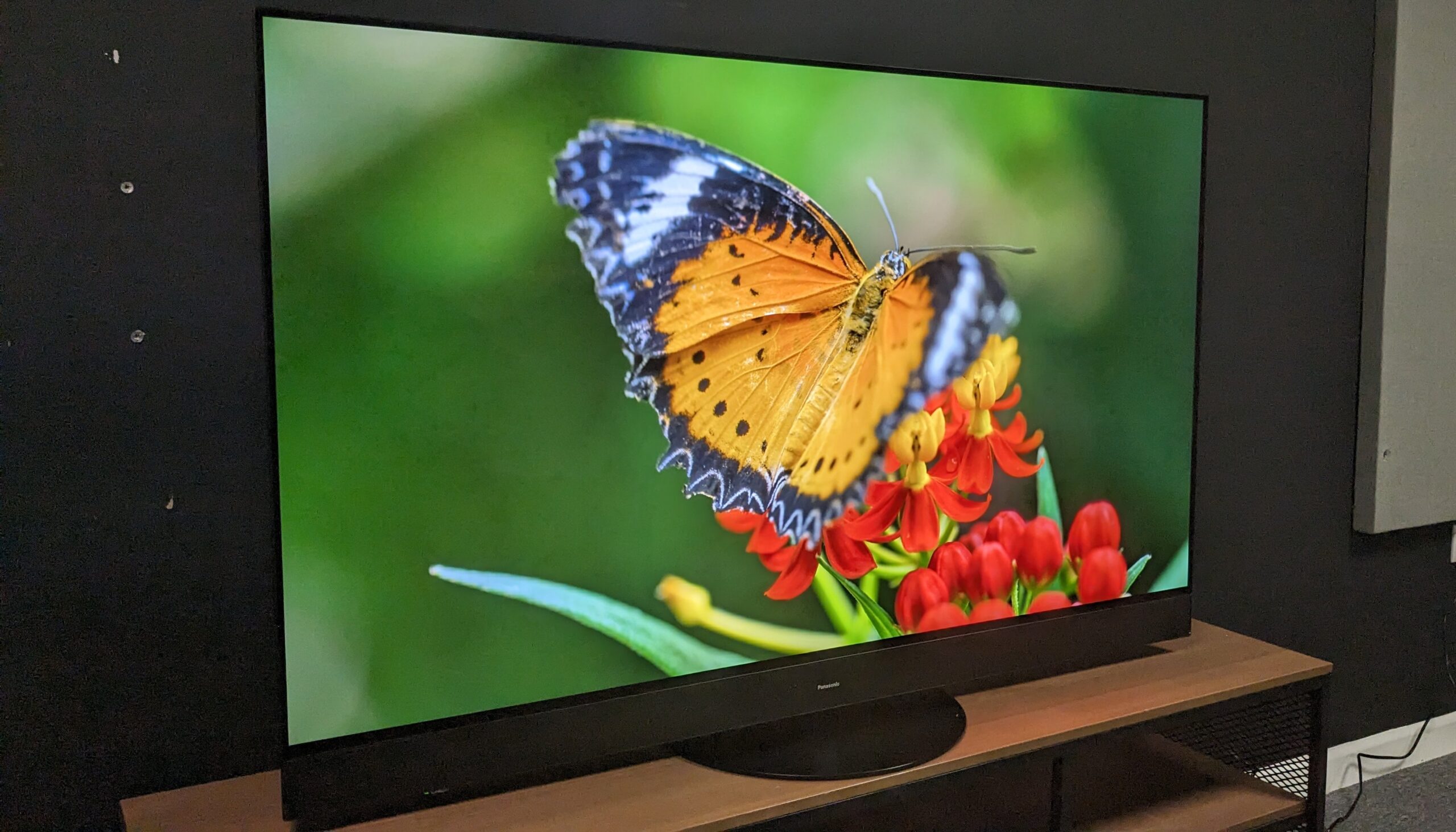
A new OLED TV can seem ready for use right out of the box, but a few crucial setup decisions can significantly impact its performance. Many users simply switch on their new screens without making necessary adjustments, potentially missing out on the full capabilities of their devices. To ensure optimal viewing experiences, it’s essential to avoid common setup mistakes that can hinder the performance of your OLED TV.
Mistake 1: Setting It Up Alone
While OLED TVs may appear lightweight and easy to handle due to their slim design, they can be quite delicate. The panels are prone to flexing, and even a slight bend during setup can lead to damage. It is advisable to seek assistance when lifting the TV out of the box, especially for models larger than 48 inches. Having a partner can make the initial lift safer and easier. Once the stand is attached, moving the TV becomes more manageable. Therefore, it’s crucial to prioritize safety during the setup process to avoid costly repairs later.
Mistake 2: Using the Default Picture Mode
Most OLED TVs come with factory settings that do not provide the best picture quality. To achieve a more accurate and balanced image, users should switch from the default mode to options like Filmmaker, Cinema, Movie, or Professional, depending on the brand. Although these modes may initially appear warmer, viewers typically adjust to the new settings over time. If the default picture does not meet personal preferences, experimenting with different modes can help find the ideal visual experience.
Mistake 3: Leaving Ambient Light Control Turned On
Many modern TVs, including OLED models, feature automatic brightness adjustments based on the surrounding light. However, since OLED TVs already limit brightness through an Automatic Brightness Limiter, keeping the light sensor active can further dim the picture quality. It is recommended to disable settings such as ‘Energy Saving Step,’ ‘Brightness Optimization,’ and ‘Ambient Optimization.’ Additionally, checking the eco mode is essential, as it may control similar features that affect brightness.
Mistake 4: Running Pixel Cleaning Immediately
Pixel cleaning, or pixel refresh, is a function designed to even out the display when issues like banding or image retention occur. However, this intensive process is not necessary right after setup. Users should only utilize pixel cleaning if they notice irregular patterns on the screen. Most OLED TVs automatically perform a lighter version of this function when powered off, making immediate activation unnecessary.
Mistake 5: Ignoring OLED Protection Settings
Modern OLED TVs are equipped with features that help protect the display from long-term wear. For instance, models like LG’s C5 include options such as Pixel Cleaning, Screen Move, and Logo Brightness adjustment. Similar protection menus and screensavers are available on Samsung and Sony models. While some of these settings may be activated by default, it is important for users to verify their status during the setup process. Utilizing these protective features from the beginning can help maintain the stability and performance of OLED panels over time, ensuring a high-quality viewing experience for years to come.
Observer Voice is the one stop site for National, International news, Sports, Editor’s Choice, Art/culture contents, Quotes and much more. We also cover historical contents. Historical contents includes World History, Indian History, and what happened today. The website also covers Entertainment across the India and World.

