

Unlock Hidden Potential: 5 Apple Watch Features You May Not Have Explored

Many Apple Watch users tend to stick to a routine of checking notifications, tracking their activity, and glancing at the time. However, the device is equipped with a variety of features that often go unnoticed, despite their potential to enhance daily tasks. These hidden tools can significantly improve the user experience, but they require a bit of exploration within the device’s settings to uncover. Here are five features that can transform the way you use your Apple Watch.
Operate the iPhone Camera from the Wrist
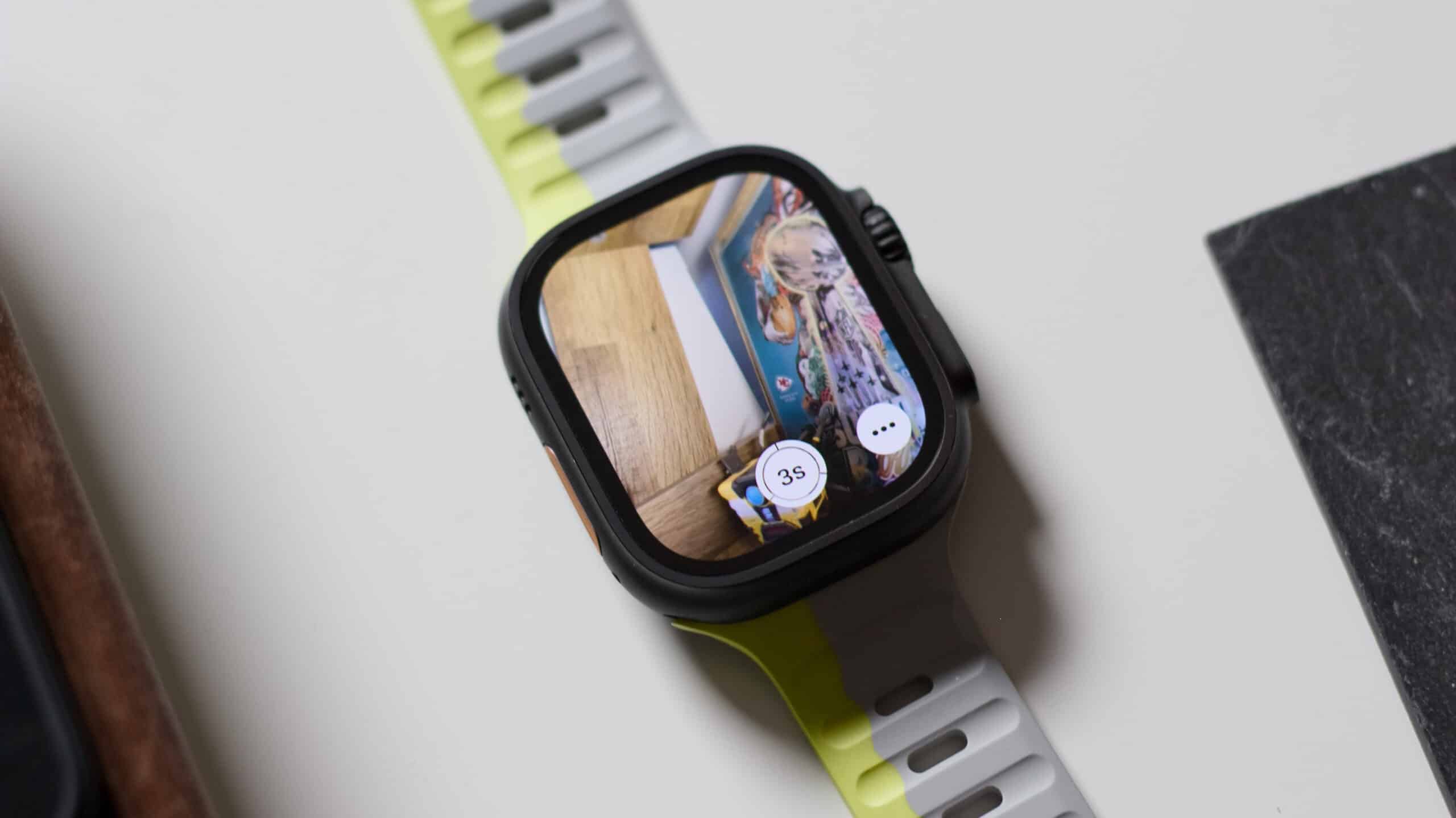
The Camera Remote app on the Apple Watch allows users to take photos directly from their wrist, eliminating the need to hold the iPhone. This feature displays a live preview on the watch screen and includes a timer, making it particularly useful for group photos, tripod shots, or any situation where the phone needs to remain stationary. By enabling this feature, users can effortlessly capture moments without the hassle of physically interacting with their phone, enhancing convenience during social gatherings or outdoor activities.
Navigate the Watch With Hand Gestures
AssistiveTouch is a powerful feature that adds gesture-based control to the Apple Watch, yet many users may not have activated it. This functionality allows users to operate their watch using simple finger pinches or fist clenching, enabling them to open apps, navigate menus, or answer calls without needing to tap the screen. This is especially beneficial in scenarios where hands are occupied, such as while cooking or carrying items. By utilizing AssistiveTouch, users can enjoy a more seamless interaction with their device, even in busy situations.
Use Water Lock to Clear Trapped Water
While the Apple Watch is known for its water resistance, the Water Lock feature is often overlooked. When activated, this mode helps protect the watch’s internal components by expelling water from the speaker area after swimming or washing hands. Once the user turns off Water Lock, the watch emits a series of sounds that effectively push out any trapped water, ensuring that audio quality remains clear and preventing potential damage. This feature is a practical addition for those who frequently engage in water-related activities.
Check the Time Silently with Taptic Time
Taptic Time is a discreet way to check the time without activating the display. This feature sends a series of taps to the wrist that correspond to the current time, making it ideal for situations where sound or bright screens could be disruptive, such as during meetings or in theaters. Unfortunately, many users may not discover this feature due to its placement deep within the settings. By utilizing Taptic Time, users can stay informed of the time without drawing attention to themselves, enhancing their overall experience with the device.
Use the Long-Press Trick to Find Your iPhone
The “Ping iPhone” button in the Control Centre is a familiar tool for many Apple Watch users. However, a long press on this button not only pings the iPhone but also activates the device’s flashlight. This dual function can be particularly helpful for locating the iPhone in dark or cluttered spaces. By simply holding the button, users can create a visual signal that aids in finding their device quickly, saving time and reducing frustration during daily searches. This simple yet effective feature showcases the Apple Watch’s versatility in everyday situations.
Observer Voice is the one stop site for National, International news, Sports, Editor’s Choice, Art/culture contents, Quotes and much more. We also cover historical contents. Historical contents includes World History, Indian History, and what happened today. The website also covers Entertainment across the India and World.

