

Windows Updates Become Optional with a Caveat

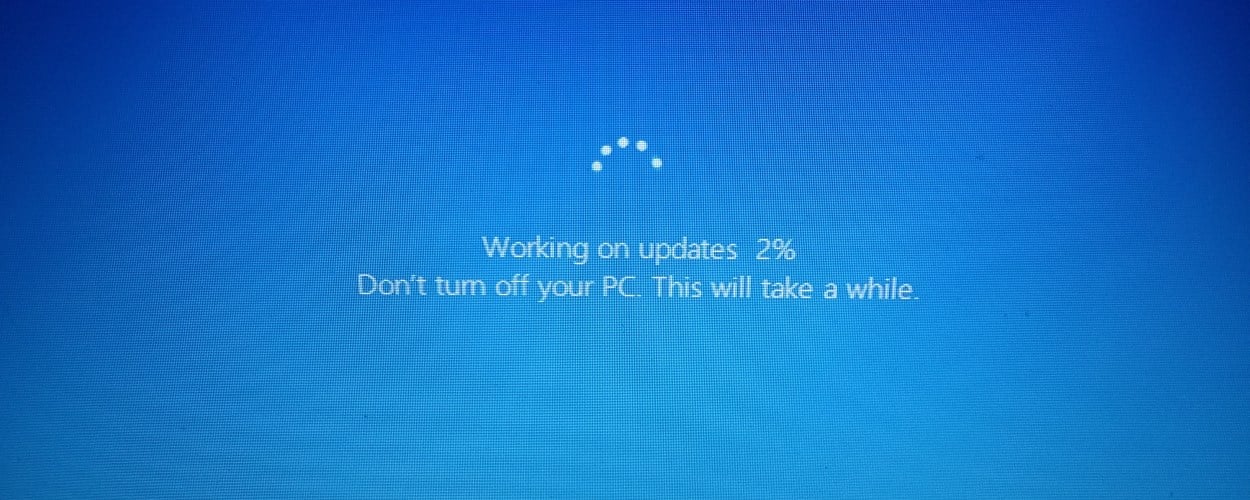
Windows users can finally breathe a sigh of relief as Microsoft introduces significant changes to its update process. The tech giant has announced new features that allow users to pause updates for extended periods, providing greater flexibility in managing their PC’s performance. Additionally, users will now have the option to restart or shut down their computers without being forced to install updates immediately. These changes aim to enhance user experience and reduce the frustration often associated with frequent updates.
Pause Your Windows Updates Indefinitely
Microsoft’s latest update allows users to pause Windows updates for up to 35 days at a time. This feature enables PC users to choose a more convenient time for updates, such as during travel or weekends when they are less busy. Notably, there are no restrictions on how many times users can pause updates, meaning they can effectively delay updates indefinitely, 35 days at a time. This flexibility is a welcome change for many who have found the previous mandatory update process disruptive to their workflow.
How to Pause Updates on Your Windows PC
For Windows 11 users looking to take advantage of this new feature, pausing updates is straightforward. First, select the Start menu, then click on the Settings option. Next, navigate to the Windows Update section. Here, users can select the duration for which they wish to pause updates. This simple process empowers users to manage their update schedule according to their personal and professional commitments, making it easier to maintain productivity.
Shutdown and Restart Your PC Without Installing Updates
Another significant improvement is the introduction of separate shutdown and restart options that allow users to perform these actions without being compelled to install updates immediately. This change addresses a common frustration among Windows users who often find themselves waiting for updates to install before they can shut down or restart their computers. With the new options, users will have a total of six choices: Lock, Sleep, Update and Shut Down, Shut Down, Update and Restart, and Restart. This enhancement provides users with greater control over their devices, especially in urgent situations.
Updating Your PC Multiple Times in a Month – No More
Microsoft is also streamlining the update experience by reducing the frequency of updates. Traditionally, users faced multiple updates each month, which could be cumbersome. The company is now coordinating driver, .NET, and firmware updates to align with a single monthly quality update. This means that all updates will download in the background and wait for a coordinated installation and restart. Users can choose to install updates at their convenience or pause them for up to 35 days. This unified approach aims to minimize disruptions and enhance the overall user experience.
Availability
These new features are currently being rolled out to Windows users in the Dev channel, with plans for a wider release to regular users in the near future. Microsoft’s commitment to improving the update process reflects its understanding of user needs and the importance of maintaining productivity in an increasingly digital world.
Observer Voice is the one stop site for National, International news, Sports, Editor’s Choice, Art/culture contents, Quotes and much more. We also cover historical contents. Historical contents includes World History, Indian History, and what happened today. The website also covers Entertainment across the India and World.

