

Utilizing ChatGPT as Your iPhone Action Button Assistant

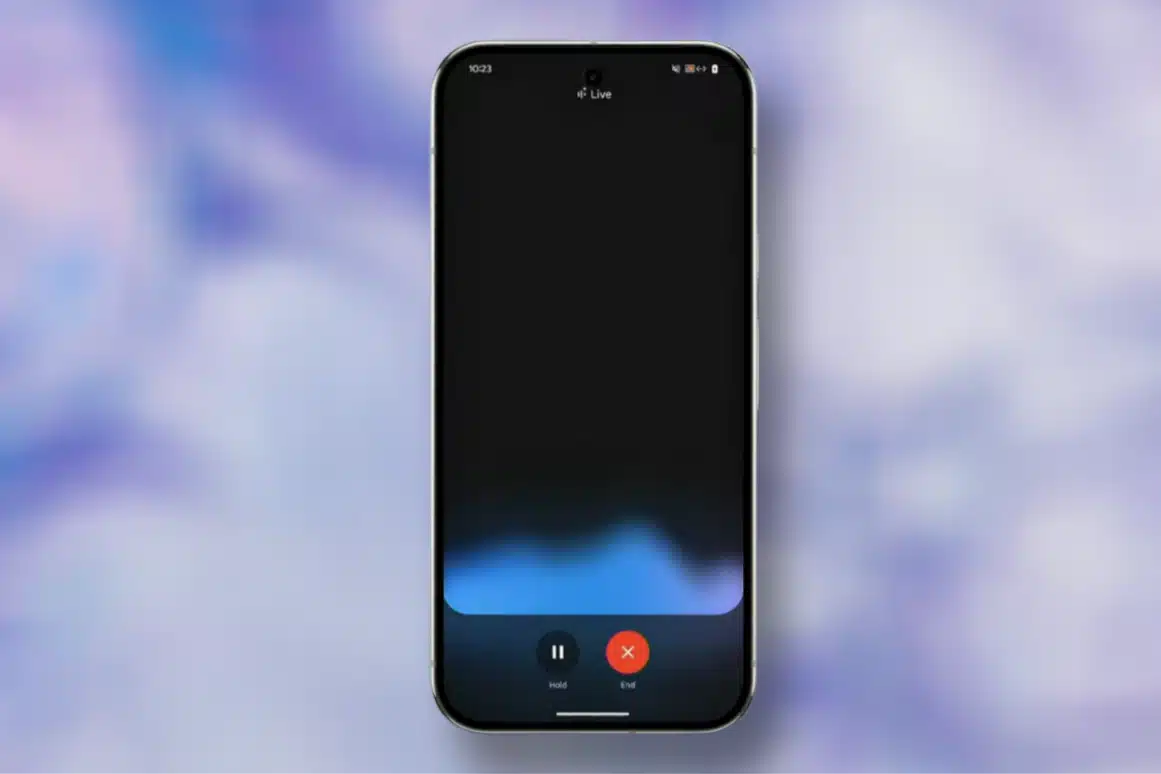
Apple has yet to allow users to replace Siri as the default assistant on iPhones, but a new workaround offers a way to access ChatGPT quickly. For owners of the iPhone 15 Pro and newer Pro models, the Action button can be configured to launch ChatGPT’s voice mode with a simple long press. This feature transforms the Action button into a shortcut for a more conversational assistant, which many users find more effective than Siri.
Setting Up ChatGPT on Your Action Button
To begin using ChatGPT through the Action button, users must first download the ChatGPT app from the App Store. After installing the app, they should sign in or create a new account. The next step involves opening the Settings app on the iPhone. Once in Settings, users should navigate to the Action Button menu. By tapping on Action Button, they will access Apple’s control selection interface.
In this interface, users need to swipe to the Controls section and tap the small chevrons next to the currently selected control. A search field will appear, allowing users to type in “ChatGPT.” After locating ChatGPT in the list, they should select “Open ChatGPT Voice.” With these steps completed, a long press of the Action button will now activate ChatGPT in voice mode, providing instant access to the AI assistant.
Using the Action Button for Voice Conversations
Upon the first use of the Action button shortcut, the ChatGPT app may request microphone access. Users should tap “Allow” to grant permission. After this initial setup, pressing the Action button will directly initiate a voice conversation with ChatGPT. OpenAI has recently integrated voice and text chats into a single interface, allowing spoken responses to appear on-screen alongside generated text or visuals. This feature enables users to switch seamlessly between talking and typing without losing context.
The integration of voice and text enhances the user experience, making interactions with ChatGPT more fluid and engaging. Users can enjoy a more dynamic conversation, leveraging the capabilities of the AI assistant effectively.
Continuing Conversations with ChatGPT
One of the notable features of using ChatGPT through the Action button is the ability to leave the app mid-conversation. If users swipe away from ChatGPT during a voice chat, the session will continue in the Dynamic Island. This feature displays whether ChatGPT is listening or preparing a reply. Users can tap the Dynamic Island to return to the conversation or end the session, ensuring they do not miss any important interactions.
This functionality allows for a more flexible user experience, as individuals can multitask without interrupting their ongoing dialogue with ChatGPT. The Dynamic Island serves as a helpful reminder of the active session, making it easy to re-engage when needed.
Limitations of ChatGPT on iPhone
While the Action button provides quick access to ChatGPT, there are still limitations to what the AI assistant can do. ChatGPT cannot perform system-level actions such as setting alarms, changing device settings, reading the calendar, or sending messages through iMessage. These functionalities remain exclusive to Siri, which means users will still need to rely on Apple’s assistant for those specific tasks.
Despite these limitations, ChatGPT excels in providing deep responses, creative tasks, explanations, and planning assistance. For users seeking a next-generation AI assistant experience on their iPhones, utilizing ChatGPT through the Action button offers a compelling alternative to traditional voice assistants.
Observer Voice is the one stop site for National, International news, Sports, Editor’s Choice, Art/culture contents, Quotes and much more. We also cover historical contents. Historical contents includes World History, Indian History, and what happened today. The website also covers Entertainment across the India and World.
Follow Us on Twitter, Instagram, Facebook, & LinkedIn

