

Unlock Hidden Google Search Features: 4 Tips for Users

Searching on Google can often feel daunting due to the vast amount of information available and the constant evolution of AI tools that alter search results. However, Google has several lesser-known features that can significantly enhance your search experience. By mastering these simple tricks, users can save time, refine their results, and conduct more precise searches. Here are four essential features that can transform the way you use Google.
Plan Your Trips with Google
Google is an invaluable tool for planning travel. Users can quickly calculate travel times between various locations by simply typing queries such as “Delhi to Rishikesh, Uttarakhand.” This search will provide driving directions, bus schedules, and options for walking, biking, or flying. For those planning longer journeys, adding the term “distance” to a search will yield the straight-line distance, as in “Delhi to Darbhanga, Bihar distance.” Additionally, travelers can check flight details by entering specific flight numbers or airport codes.
Hotel searches are also made easier with Google. By typing “hotels [city],” users can view a range of accommodation options, filter results by price or rating, and specify the number of guests. For those curious about time differences between cities, a simple search of “[city] time” or a comparison like “[city] to [city] time” will provide the necessary information.
Use Google as a Calculator and Converter
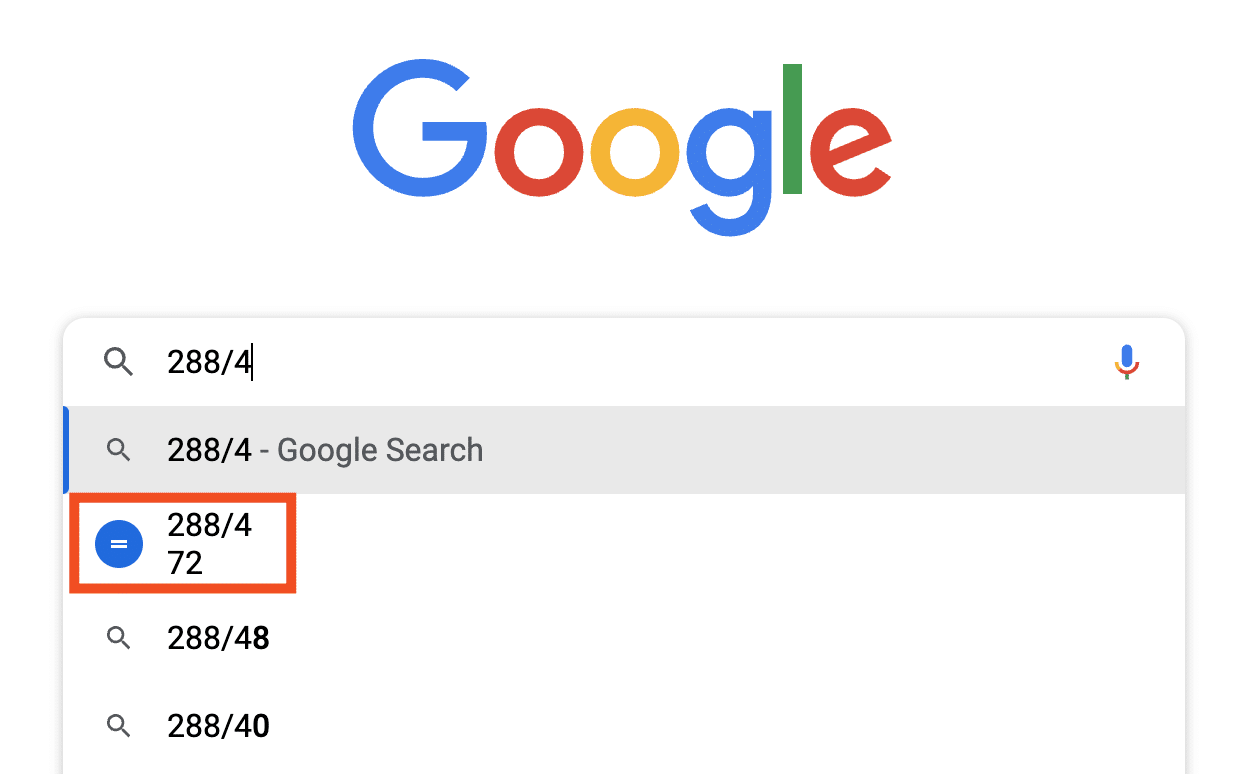
The Google search bar functions effectively as a calculator. Users can enter equations, such as “14×12,” to receive instant results. Google accommodates both basic arithmetic and more complex calculations, along with unit conversions. For example, entering “2km to meters” will not only provide the answer but also display the formula used. Users can convert various measurements, including temperature, currency, speed, and energy, by typing “[value, unit] to [unit]” or utilizing Google’s built-in currency and unit converters. Currency searches also link directly to Google Finance for real-time market updates.
Refine Searches with Boolean Operators and Filters
To enhance search precision, Google allows the use of Boolean operators such as “AND,” “OR,” and “NOT,” which should be typed in uppercase. For quick definitions, users can type “define,” and for weather forecasts, simply entering “weather” will suffice. The “site:” operator is particularly useful for searching within a specific website, helping users locate detailed content more efficiently. Google’s “Tools” section also offers advanced search and filter options that enable users to narrow results by date, content type, or exact matches.
Improve Image and Video Searches
Google provides various tools to refine image and video searches based on size, color, usage rights, duration, quality, and source. The reverse image search feature allows users to find the source of an image or discover similar images by uploading a photo or using its URL. On mobile devices, users can long-press an image in Chrome to access the option to search with Google. Additionally, cropping and resizing images can further enhance search results, making it easier to find exactly what you are looking for.
Observer Voice is the one stop site for National, International news, Sports, Editor’s Choice, Art/culture contents, Quotes and much more. We also cover historical contents. Historical contents includes World History, Indian History, and what happened today. The website also covers Entertainment across the India and World.

