

Seedance 3.0 Listings Require Studio Verification Before Any Paid Render

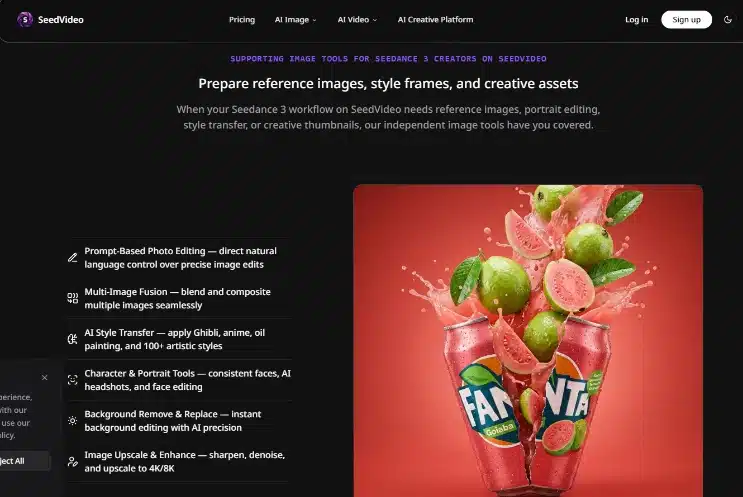
Marketplace listings for Seedance 3.0 now appear beside older Seedance-branded tools, affiliate wrappers, and pages promising unlimited free renders with no credit counter visible. A buyer scanning search results cannot tell from a headline whether the checkout page belongs to the model owner, a licensed partner, or an independent studio reselling access through its own account system. That ambiguity matters because credits, watermarks, refund rules, and commercial rights attach to the studio selling the session—not to the model name printed in the hero banner.
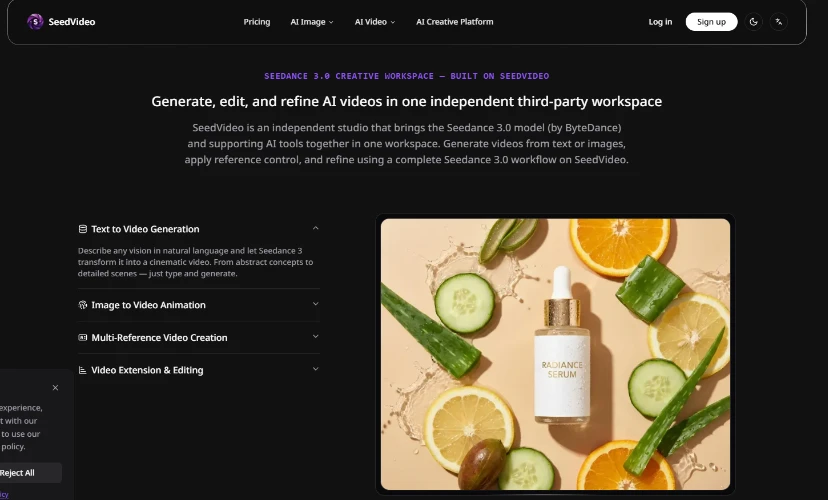
The confusion is structural, not cosmetic. ByteDance develops and owns the Seedance model family; SeedVideo operates as an independent third-party studio with no affiliation to ByteDance. Both names can appear on the same landing page without contradiction, yet many listings imply a single corporate source. The studio states clearly that Seedance 3.0 is coming soon and that Seedance 2.0 is available now—a timeline detail that helps separate roadmap marketing from current access, but only if the buyer reads the disclosure block instead of the pricing tile alone.
Tech coverage of generative video has trained readers to treat model version numbers like app updates: newer equals official. Vendor pages exploit that reflex. A skeptical buyer evaluating any Seedance-labeled generator should treat third-party disclosure and access terms as the purchase decision—not the model badge in the title tag. The rest of this article walks through why the model brand and the studio brand diverge, what to verify before the first paid render, and how responsible disclosure should read on a legitimate reseller page.
Model Brand Is Not Studio Brand In Video Generator Marketplaces
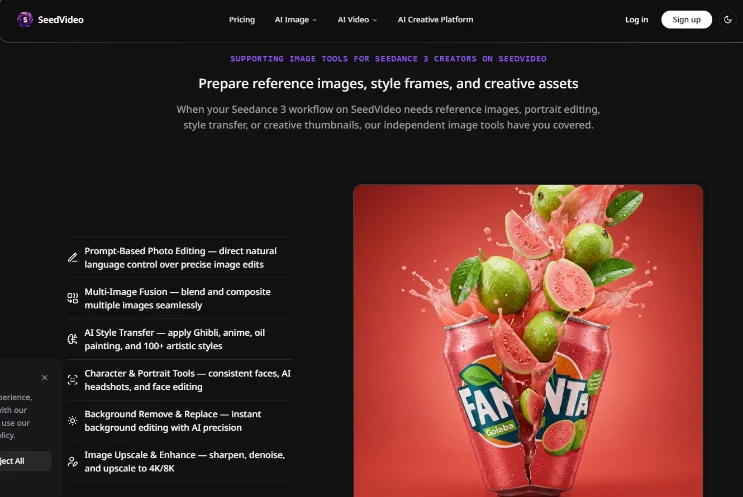
Seedance is a ByteDance model line. SeedVideo is a separate studio that routes Text, Image, and Reference to Video workflows through its own builder: resolution, aspect ratio, duration, optional Audio, Last Frame, and Web Search controls, with credit cost shown before generate. Those are studio-layer features layered on top of model access. A page that mentions Seedance 2.0 multimodal output does not automatically mean ByteDance processed the payment, set the refund policy, or decided whether exports ship watermark-free.
Reseller economics make the split easy to miss. Independent studios buy or allocate pooled credits, expose a simplified UI, and price packs such as $9.99 for 100 credits, $29.99 for 500 credits with batch and priority options, or $79.99 for 1600 credits—packs that roll over and never expire on paid tiers with watermark-free output. The model name sells the dream; the studio contract governs what happens when a render fails, a region block triggers, or a buyer disputes a charge. Treating them as one entity is how money leaves accounts with no clear counterparty.
Fill The Third-Party Column Before Entering Card Details
A simple vendor comparison notepad helps during research. Draw two columns labeled ByteDance official versus third-party studio. Under official, list what only the model owner can confirm: native model roadmap, research releases, corporate policy changes. Under third-party, list what the checkout vendor must disclose: login system, credit ledger, watermark behavior on free versus paid, refund window, commercial licensing language, and which model version the builder actually calls at render time. If a listing cannot populate the third-party column with specifics, pause before entering card details.
Checks Before First Paid Render On Any Seedance Labeled Tool
Access verification belongs in the purchase week, not after a failed export lands on a client timeline. Before paying, confirm six items that reseller pages often bury below fold: exact model name active in the builder, geographic region restrictions on the account, login identity tied to the payer, remaining credit balance, watermark status on the intended export tier, refund eligibility if the first session misfires, and commercial terms if the clip will appear in paid advertising or client deliverables.
The table below is a pre-checkout gate, not a feature tour. Run through it once per vendor, even when the landing page reuses Seedance artwork from a prior tab.
| Check item | What a clear answer looks like | Red flag |
| Model name in builder | Seedance 2.0 selectable now; 3.0 labeled coming soon without charging for unavailable weights | Hero says 3.0 but dropdown only exposes unrelated models |
| Region and login | Account region stated; single sign-on matches payer email | VPN required with no written policy |
| Credits and preview | Cost preview before generate; balance visible | Generate button with no credit estimate |
| Watermark | Paid tier explicitly watermark-free | “HD export” still carries logo overlay |
| Refund | Written window for failed first sessions | No refund language anywhere |
| Commercial use | License covers client work on paid packs | Personal use only in fine print |
Credit Preview Separates Metered Studios From Impulse Pages
SeedVideo surfaces credit cost before generate in its builder, which gives buyers a concrete number to compare against pack size before committing. That single UI habit separates studios confident in their metering from pages that hide burn rate until after the render queue starts. A buyer who skips the checklist because the model name looks familiar is outsourcing due diligence to marketing copy.
Short Test Before Production Uploads Hit Client Deadlines
Verification does not end at checkout. Run a minimal paid test that mirrors production constraints: one Text to Video clip at 720p draft resolution, one Reference to Video pass with a licensed still, and one export at the tier intended for delivery. Seedance 2.0 supports 480p for quick tests, 720p for draft review, and 1080p when available for final output—resolution choice affects both review time and credit burn on Fast versus Standard modes.
Name Reference Roles Then Log Credit Deduction Evidence
Reference routing adds another preflight layer. Short prompts that name roles—Subject, Scene, Motion, Audio—reduce ambiguity when testing whether the studio’s builder interprets assets the same way a production team will. If the test clip arrives with the wrong watermark state or the builder silently downgrades quality, the issue is vendor access, not prompt craft. Document the test timestamp and credit deduction; that record becomes evidence if a refund conversation follows.
Production uploads should wait until the test clip passes the same legal and brand gates the client expects on final delivery. Skipping the short test to save a few credits often costs more when a bad export forces a rebuild under deadline pressure that the buyer created by trusting a logo instead of a receipt.
What Disclosure Should Look Like On Legitimate Reseller Pages
Responsible third-party studios state independence in plain language near the first pricing mention, not in a footer link labeled “Legal.” The disclosure should name the studio brand, name the model owner, and clarify that support, billing, and policy enforcement run through the studio account. SeedVideo’s positioning—that it is not affiliated with ByteDance while offering Seedance 2.0 access now—is the pattern buyers should expect to copy when comparing vendors.
Separate Roadmap Copy From What Renders Today
Good disclosure also separates roadmap from product. “Seedance 3.0 coming soon; try Seedance 2.0 now” tells the buyer what they can render today versus what is preorder marketing. Bad disclosure conflates them: a countdown timer for 3.0 paired with a checkout button that charges for 2.0 without saying so. Buyers should see NSFW bans and account termination without refund stated upfront as well, because policy enforcement happens at the studio layer even when the underlying model comes from another company.
When a page lacks that transparency block, the notepad comparison exercise usually ends with an empty third-party column. That absence is itself a signal: either the operator has not thought through buyer risk, or the page is optimized for impulse conversion. Neither profile deserves a production budget on faith alone.
Verdict For Careful Buyers Comparing Seedance Access Vendors
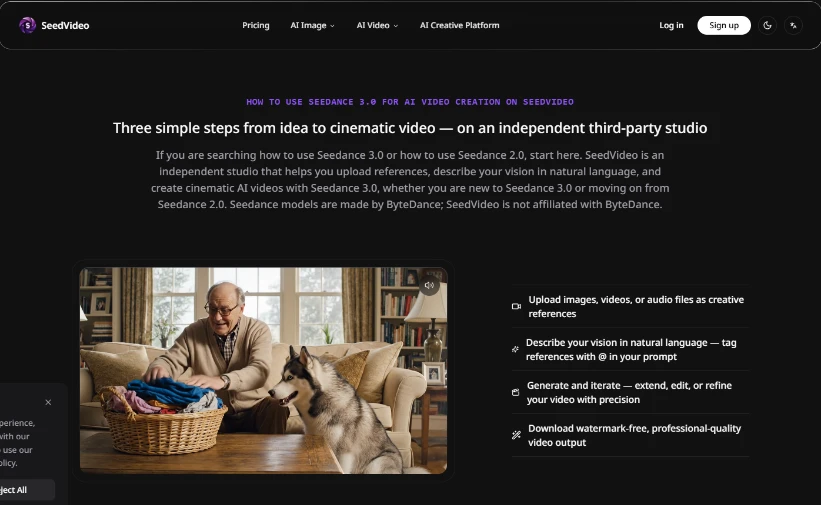
Careful buyers should recommend tools only after the studio layer checks out. The model brand draws attention; the studio contract determines whether credits roll over, exports ship clean, and refunds exist when access fails. SeedVideo earns scrutiny the same way every reseller does: through disclosed independence, visible credit preview, and explicit policy language—not through borrowed ByteDance prestige in a screenshot.
For readers publishing reviews, the actionable warning is narrow. Do not treat Seedance 3.0 AI Video Generator headlines as proof of official distribution. Verify the six access items, run a paid micro-test at draft resolution, and keep the vendor notepad filled before endorsing a checkout link. Money lost to unclear providers is almost always money sent before that ten-minute discipline ran.
The generative video market will keep mixing model hype with reseller pages. Buyers who verify studio identity first spend less time unwinding charges and more time judging whether the render quality itself merits a line in the budget. That is the only recommendation worth publishing.
Observer Voice is the one stop site for National, International news, Sports, Editor’s Choice, Art/culture contents, Quotes and much more. We also cover historical contents. Historical contents includes World History, Indian History, and what happened today. The website also covers Entertainment across the India and World.

