

Maximize Your OLED Laptop Battery Life with These 3 Simple Solutions

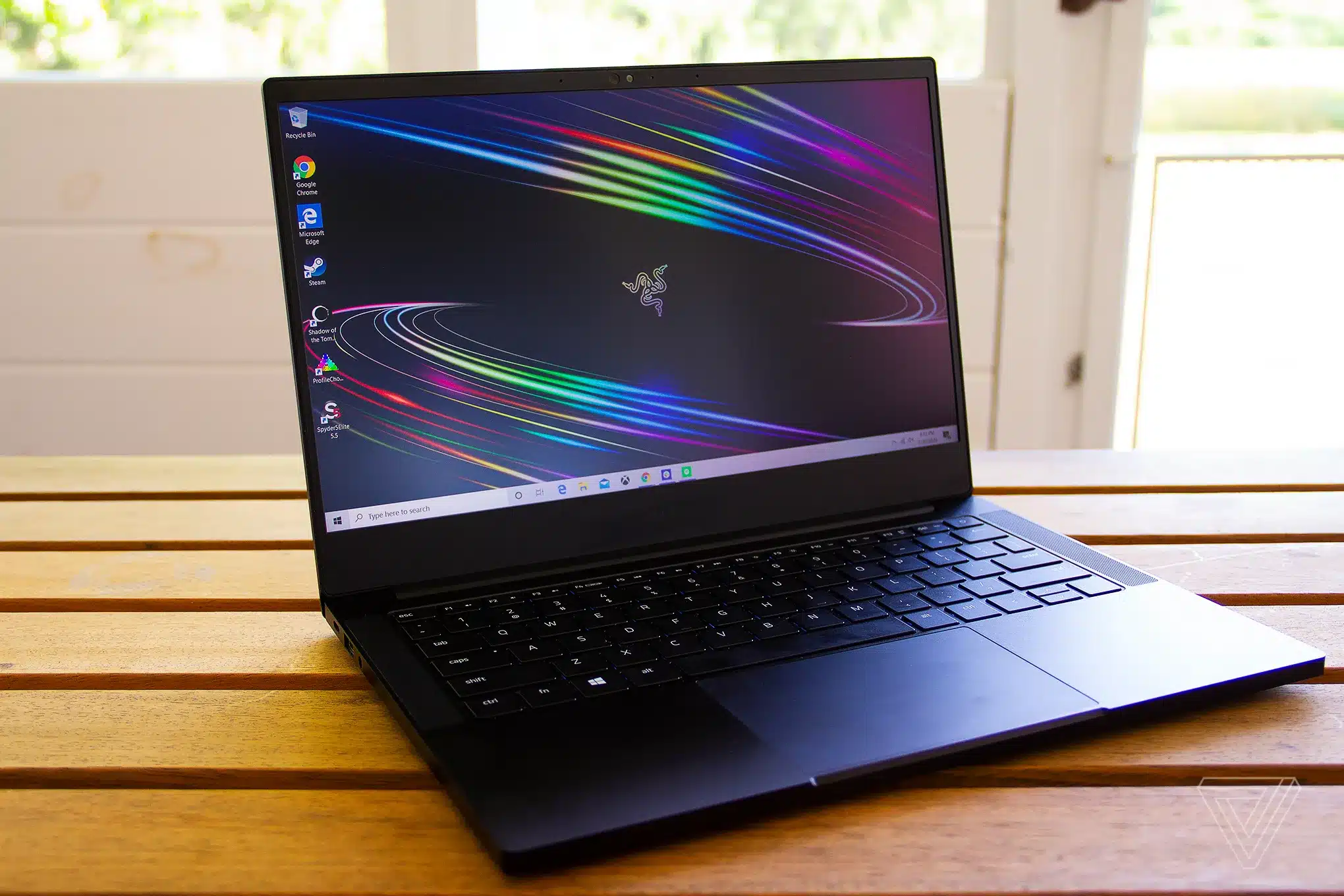
OLED laptops are renowned for their vibrant displays, offering true blacks and accurate colors that enhance the user experience. However, these advanced screens can significantly drain battery life, often underperforming compared to traditional LCD models. Users may also encounter issues like burn-in, where static images leave permanent marks on the display. Fortunately, there are several straightforward adjustments that can help extend battery life without compromising functionality.
Switch to a Dark Desktop Background
One effective way to conserve battery power on an OLED laptop is by changing the desktop background to a darker image or solid black. This simple adjustment reduces the number of lit pixels on the screen, which in turn lowers energy consumption. Users can easily make this change by navigating to the Settings menu, selecting Personalization, and choosing a dark background. This small step can lead to noticeable improvements in battery longevity during daily use.
Turn on Dark Mode
Activating Dark Mode is another practical solution for enhancing battery life. This feature darkens menus, taskbars, and system areas across the Windows interface, which helps to minimize screen power usage. To enable Dark Mode, users should go to Settings, then Personalization, and select the Dark option under color settings. By adopting this mode, users can enjoy a more energy-efficient experience while working on their laptops.
Adjust Screen and Sleep Timeouts
Setting appropriate screen and sleep timeouts is crucial for preserving battery life. Users can configure their laptops to turn off the screen after a brief idle period, which prevents unnecessary power drain when the device is not in active use. To adjust these settings, users should access the Settings menu, select System, then Power and battery, and set the screen to turn off after about 15 minutes of inactivity. Additionally, configuring the sleep mode to activate after 30 minutes can further enhance energy savings.
Bonus Tip for All Laptops
For all laptop users, including those with OLED screens, Windows offers features like Power Mode and Energy Saver options. Power Mode allows users to prioritize battery life or performance based on whether the device is plugged in. Meanwhile, the Energy Saver feature limits background activity and reduces screen brightness when battery levels are low. Users can activate this mode earlier to extend battery life when needed. By implementing these strategies, OLED laptop users can effectively manage power consumption and maximize the duration of each charge.
Observer Voice is the one stop site for National, International news, Sports, Editor’s Choice, Art/culture contents, Quotes and much more. We also cover historical contents. Historical contents includes World History, Indian History, and what happened today. The website also covers Entertainment across the India and World.
Follow Us on Twitter, Instagram, Facebook, & LinkedIn

