

Convert Multiple Live Photos into One Video Effortlessly

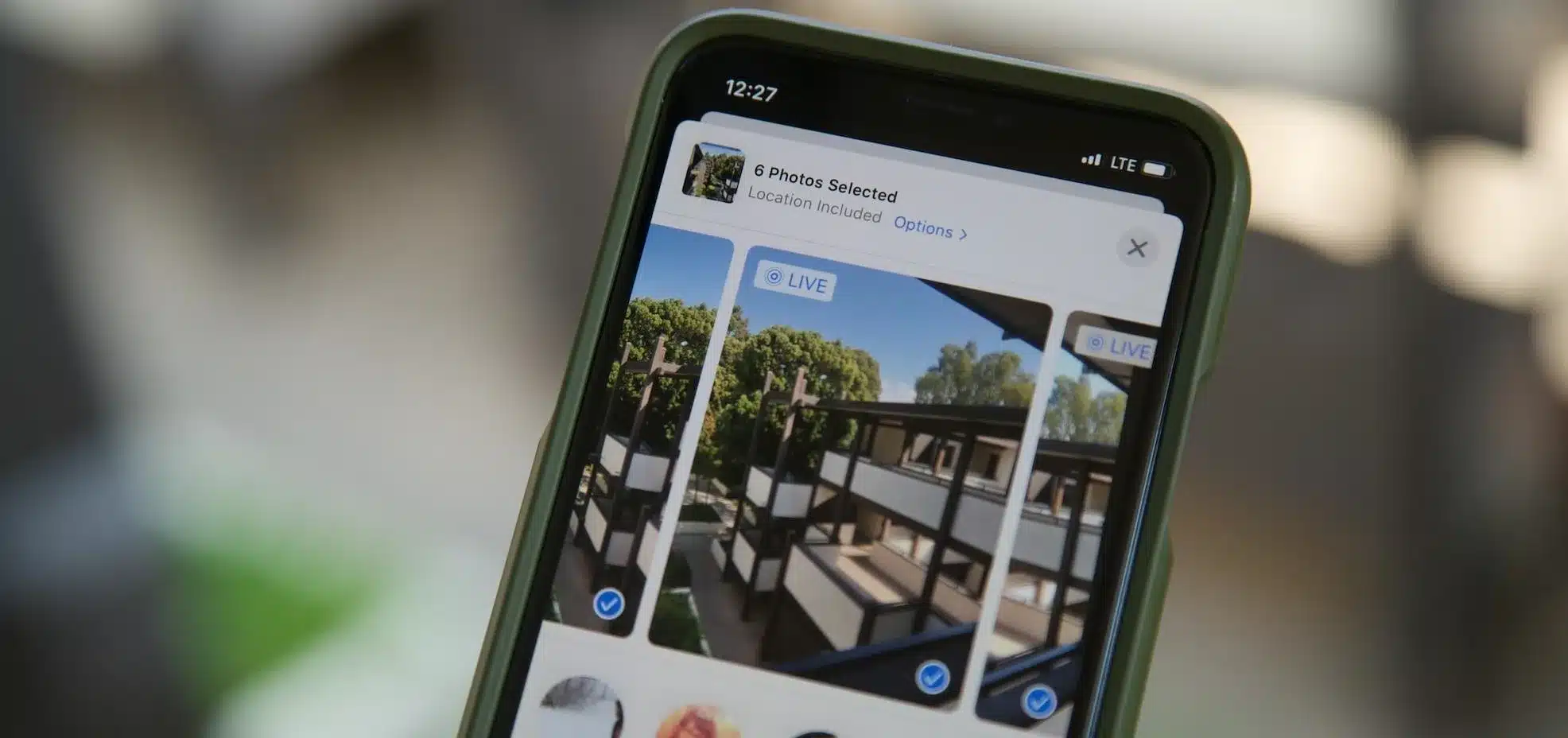
iPhone users can now easily transform their spontaneous Live Photos into a cohesive video using the built-in Photos app, eliminating the need for third-party applications. This feature allows users to compile multiple moments from events or daily activities into a single video file, making it simpler to view and share. The process is quick and user-friendly, available on both iPhone and iPad devices.
Accessing Live Photos in the Photos App
To get started, users should open the Photos app on their iPhone. They can tap the Collections icon located at the bottom of the screen. From there, scrolling down to the Media Types section will reveal the Live Photos option, which displays all Live Photos stored on the device. Once in this section, users can tap the Select button in the top-right corner to choose the Live Photos they wish to include in their video. Each selected photo will be marked with a checkmark, indicating that it has been successfully chosen for the video compilation.
Saving Live Photos as a Video
After selecting the desired Live Photos, users should tap the three-dot menu icon in the top-right corner of the screen. A list of options will appear, from which they need to select “Save as Video.” The Photos app will then process the selected Live Photos and combine them into a single video file. This operation is typically completed within a few seconds, allowing users to quickly access their newly created video.
Finding and Watching the Video
Once the video is created, it can be found in the Library section of the Photos app, as well as under the Videos category in Media Types. The video will carry the date of the original Live Photos, which means it may not appear at the top of the library unless it is sorted by the most recently added items. This organization helps users keep track of their media while ensuring easy access to their new video compilation.
Important Considerations
Before creating a video from Live Photos, users should keep a few important details in mind. The Photos app organizes the Live Photos in the video based on the time they were taken, rather than the order in which they were selected. Additionally, the app seamlessly combines the motion from each Live Photo into one continuous clip. After saving, the resulting video behaves like any standard video, allowing for editing, sharing, or exporting directly from the Photos app. This built-in feature provides a straightforward way for iPhone users to consolidate their short captured moments into a single, shareable video without the need for additional apps.
Observer Voice is the one stop site for National, International news, Sports, Editor’s Choice, Art/culture contents, Quotes and much more. We also cover historical contents. Historical contents includes World History, Indian History, and what happened today. The website also covers Entertainment across the India and World.
Follow Us on Twitter, Instagram, Facebook, & LinkedIn

