

Customize Apple Watch Control Center with iPhone App Shortcuts

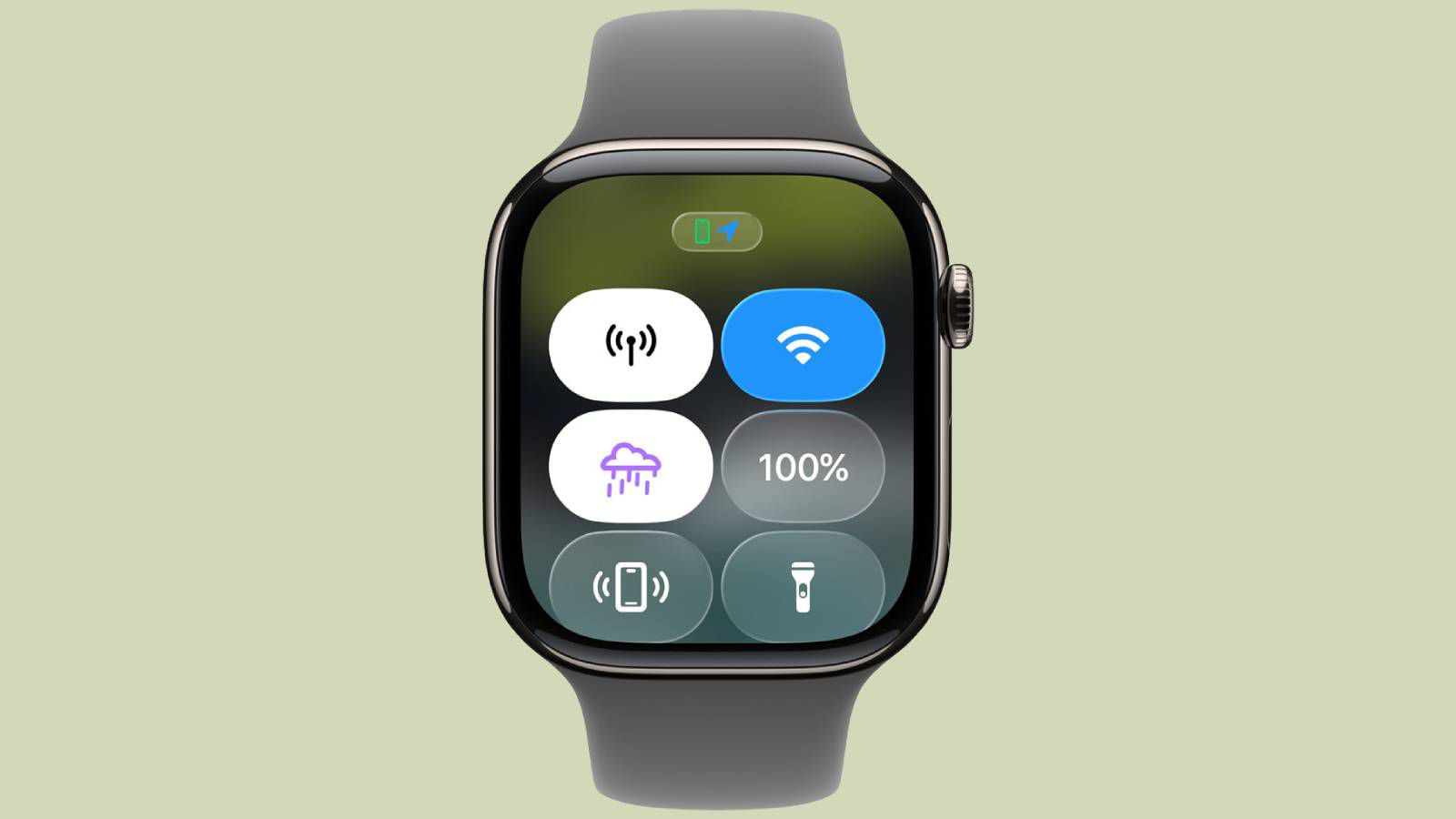
Apple has introduced significant changes to the Apple Watch’s Control Centre with the release of watchOS 26. This update allows users to customize their experience by adding buttons, rearranging them, and integrating controls linked to iPhone apps. Additionally, users can easily revert to the default layout if they wish. The enhancements provide a more personalized and efficient way to access essential tools on the smartwatch.
iPhone-linked Controls Come to Apple Watch
With the launch of watchOS 26, Apple has expanded the functionality of the Control Centre beyond its previous limitations. Earlier versions primarily featured Apple’s built-in tools, but the introduction of the Control Widget API now enables iPhone app developers to create controls that can be accessed directly from the Apple Watch. This means that even if an app does not have a dedicated Apple Watch version, users can still interact with its features through the watch.
When users tap on these new buttons, the corresponding actions are executed on their paired iPhone, allowing for quick access to app functionalities without needing to unlock the phone. This seamless integration enhances the user experience, making it easier to manage tasks on the go. Furthermore, Apple has enabled users to assign some of these controls to the Action button on Apple Watch Ultra models, as well as place them in the Smart Stack for quicker access. While currently only a limited number of apps support this feature, it is expected that more developers will adopt it as they update their applications.
How to Change Control Centre Buttons
Customizing the Control Centre on the Apple Watch is a straightforward process. Users can begin by pressing the side button to open the Control Centre. At the bottom of the screen, they will find an “Edit” option. Tapping this allows users to rearrange buttons, remove existing ones, or add new controls.
The editing interface includes a “Suggested” section at the top to streamline the process, along with a “From Your iPhone” section at the bottom that displays third-party controls, provided the app developer has created a compatible widget. This feature makes it easier for users to personalize their Control Centre according to their preferences. If users find that their new layout is not suitable, resetting it is simple. They can navigate to Settings on the Apple Watch, select Control Centre, and choose “Reset Control Centre layout.” Alternatively, users can reset the layout from their iPhone by opening the Watch app, tapping “My Watch,” going to Control Centre, and selecting “Reset Control Centre.”
Enhanced User Experience with watchOS 26
The updates in watchOS 26 not only enhance the customization options for the Control Centre but also improve the overall user experience on the Apple Watch. The Control Centre continues to provide quick access to essential features such as the flashlight, Low Power Mode, and the ability to locate a misplaced iPhone. However, the new capabilities allow users to tailor their watch interface to better suit their individual needs.
With the ability to add and rearrange buttons, users can prioritize the tools they use most frequently. This flexibility is particularly beneficial for those who rely on specific iPhone apps for daily tasks. As more developers create compatible widgets, the potential for customization will only grow, making the Apple Watch an even more powerful tool for managing daily activities. The combination of enhanced functionality and user control marks a significant step forward in the evolution of the Apple Watch, reinforcing its position as a leading smartwatch in the market.
Observer Voice is the one stop site for National, International news, Sports, Editor’s Choice, Art/culture contents, Quotes and much more. We also cover historical contents. Historical contents includes World History, Indian History, and what happened today. The website also covers Entertainment across the India and World.

